
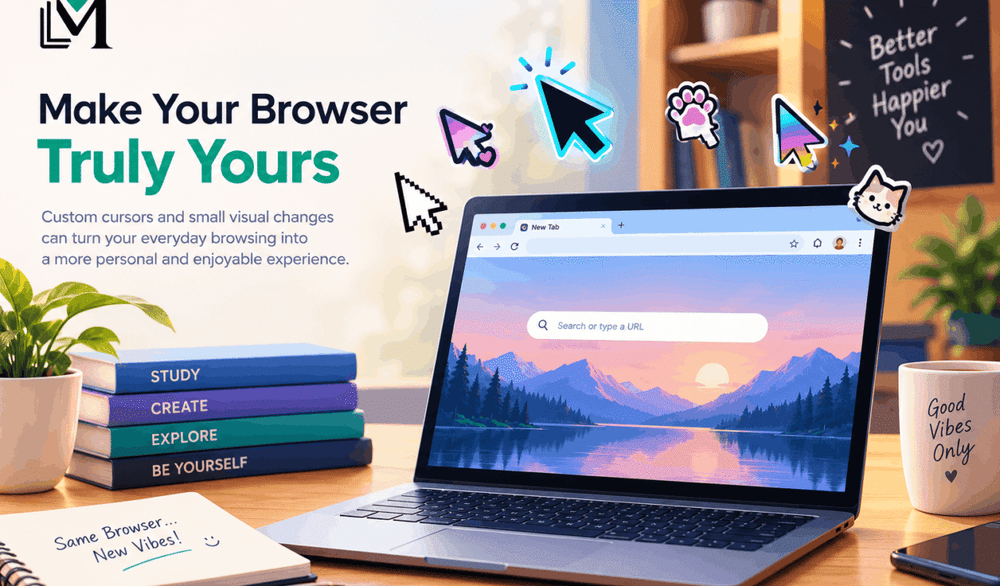
For many people, the browser is the most frequently used application on a computer. It is where work gets done, homework is submitted, videos are watched, messages are exchanged, and games are played. Yet the browser often looks almost the same for everyone.
That is beginning to change. Themes, profile colors, extensions, wallpapers, and custom cursors give users simple ways to make a familiar tool feel more personal. These changes may not increase processor speed or add storage, but they affect something equally real: the relationship between a person and the digital environment they use every day.
Personalization Makes Repetition Feel Less Generic
Routine computer use involves thousands of repeated actions. People open tabs, click buttons, select text, move files, and switch between pages. Small visual details appear during all of those actions.
The cursor is a strong example because it is almost always present. Replacing the standard arrow with a favorite color, expressive character style, or animated effect adds personality without rebuilding the entire desktop. A user can browse a free browser cursor collection, try a design, and change it again when their interests or mood change.
The effect is similar to decorating a desk. The desk performs the same function, but the space feels more comfortable because it reflects the person sitting there.
Digital Identity Is Built From Small Choices
Online identity is often associated with public profiles. In reality, it includes private choices too: a wallpaper nobody else sees, the order of bookmarks, a preferred dark theme, or a cursor used only on one laptop.
These choices matter because digital identity is not simply a performance for other people. It is also the way users make technology feel familiar to themselves. A playful cursor may signal that a device is a creative or social space. A simple high-contrast design may reflect a preference for clarity and speed.
Neither approach is better. Personalization works when it supports the user’s actual habits rather than following a trend.
Customization Can Be Both Expressive and Practical
Visual customization should never make a browser harder to use. A cursor still needs a clear pointer tip, enough contrast, and a manageable size. Highly animated effects can be fun on casual pages but distracting during detailed work.
Users can make better choices by asking a few practical questions:
- Can I find the pointer quickly on both light and dark pages?
- Is the click point clear?
- Does the animation cover text or controls?
- Can I switch back to a standard cursor easily?
- Is the extension allowed on this device and browser profile?
The best design is usually the one that balances personality with visibility.
The Browser Is Also Becoming Social
Personalization is growing at the same time that browsers are absorbing more social and entertainment functions. People no longer need a separate desktop program for every activity. A web platform can combine profiles, community chat rooms, private messaging, video calls, and lightweight multiplayer games.
Cursor Style follows that direction. Its main focus remains custom cursors and visual effects, while the broader platform includes communication features and browser games. A multiplayer snake game currently supports rooms, chat, reactions, skins, and a leaderboard, while additional games are planned.
These features are secondary to the cursor experience, but they show why browser identity matters. When a person moves from browsing to conversation and then to a casual game, visual continuity makes the activities feel like parts of one environment.
Personalization Is Especially Natural on Chromebooks
For students and other Chromebook users, the browser is effectively the center of the device. Schoolwork, entertainment, and communication often happen in the same window. That makes lightweight browser customization appealing because it does not require a full desktop redesign.
There are still boundaries. School administrators may block extensions, managed accounts may limit changes, and browser-internal pages may not support custom effects. Users should follow local policies rather than attempt to bypass them.
Within those limits, a cursor can provide a low-effort way to distinguish a personal browser profile from a shared or study-focused one.
Control Matters More Than Novelty
The excitement of personalization can fade if a tool is difficult to manage. Good customization should be easy to enable, disable, and change. It should not trap users in one theme or assume that one style works for every task.
This is why reversible changes are so attractive. A user can try something bold, decide it is too distracting, and move to a simpler option. Experimentation becomes safe because the original state is always available.
A More Human Browser
Browsers began as neutral windows onto the web. Today they are workspaces, classrooms, entertainment systems, and meeting places. It is natural that people want those spaces to reflect their interests.
A custom cursor will not transform the internet by itself. It does something smaller and more personal: it reminds the user that everyday software can adapt to them. As browsers continue to combine communication, games, and creative tools, those small choices will play a larger role in making digital spaces feel human.